
MP3 of Before Example
SPECTRAL REPAIR OF AUDIO ~ GENERAL AUDIO REPAIR
1) This is a Before and After example of close miked acoustic
guitar playing harmonics. This uses iZotope RX 4 Advanced
Spectral Repair (either replace and attenuate settings used on select
sections - primarily on each decay).
Guitar Harmonics Before and After
2) This is a Before and After example of close miked acoustic
guitar low note which was sampled and played back on a
MIDI keyboard. There is noticable hum. I used Waves WNS
and iZotope RX 4 Advanced Denoiser Hiss Reduction
Sampled Low Guitar Note Before and After
3) This is a Before and After example of close miked solo
English horn passage using the Spectral Repair
tool in RX4 Advanced (this to eliminate some
subtle but noticable key pad sounds on some notes).
Solo English horn Before and After Example
4) This is a Before and After example of close miked acoustic
guitar passage which was sampled and played back on a
MIDI keyboard. There is noticable finger noise on the strings
picked up in the sample. In the two examples below I used the
Spectral Repair tool in RX4 Advanced and the other example
Adobe Audition 3.0.1 to drastically reduce these
sounds with little to no artifacts present.
Sampled Guitar Before and After Example iZotope RX4 Advanced
Sampled Guitar Before and After Example RX4 Adobe Audition 3.0.1
5) This file (long acoustic guitar strum that has a creaky
chair sound during it) is from a Sony Creative Software
Spectral Layers forum member:
Creaky Chair Original File With Noise
Here are two examples of my repair of it:
Creaky Chair applying Adobe Audition 3.0.1 Spectral Repair
Creaky Chair applying iZotope RX4 Advanced Spectral Repair
6) This is a short close miked acoutstic guitar segment that has a
lot of extra sounds going on (percussive tapping, fingers
dragging on strings ). While this may have been intentional for musical
effect, it can be treated if you wish without affecting the actual playing.
This before and after clip was done with iZotope RX4 Advanced Spectral
Repair. The finger drag remains while some of the percussive tapping is
minimized.
7) This is a copy/paste audio fix of portions of a wedding ceremony. For
some reason, there we three times the bride was speaking where loud noises
occured. The first two were easy copy/paste fixes done by copying quiet
ambience and as luck had it, inserting quiet versions of her saying the identical
phrase where the noise occurred. The third noise was the most challenging.
Copy/paste was used in addition to getting the second half of another word
she spoke during a quiet section and in
serting that during the original word
with noise. This allowed her beginning consonant to remain (unfortunately
with some of the noise) while the copied new word filled in where I did a quick
fade on the noise. I inserted quiet ambience here as well. While far from perfect,
it is a big improvemnet IMO.
Before and After Wedding Ceremony Audio Fixes
8) This is a before and after example of a men's vocal quartet recording which has two short gaps.
Izotope's RX 4 Advanced has spectral repair that uses data on each side of the gap to fill in what
it believes is the missing sound. I have included the waveform for each as well.
Before Waveform - you can easily see the two gaps.
After Waveform - you can see the gaps are now filled.
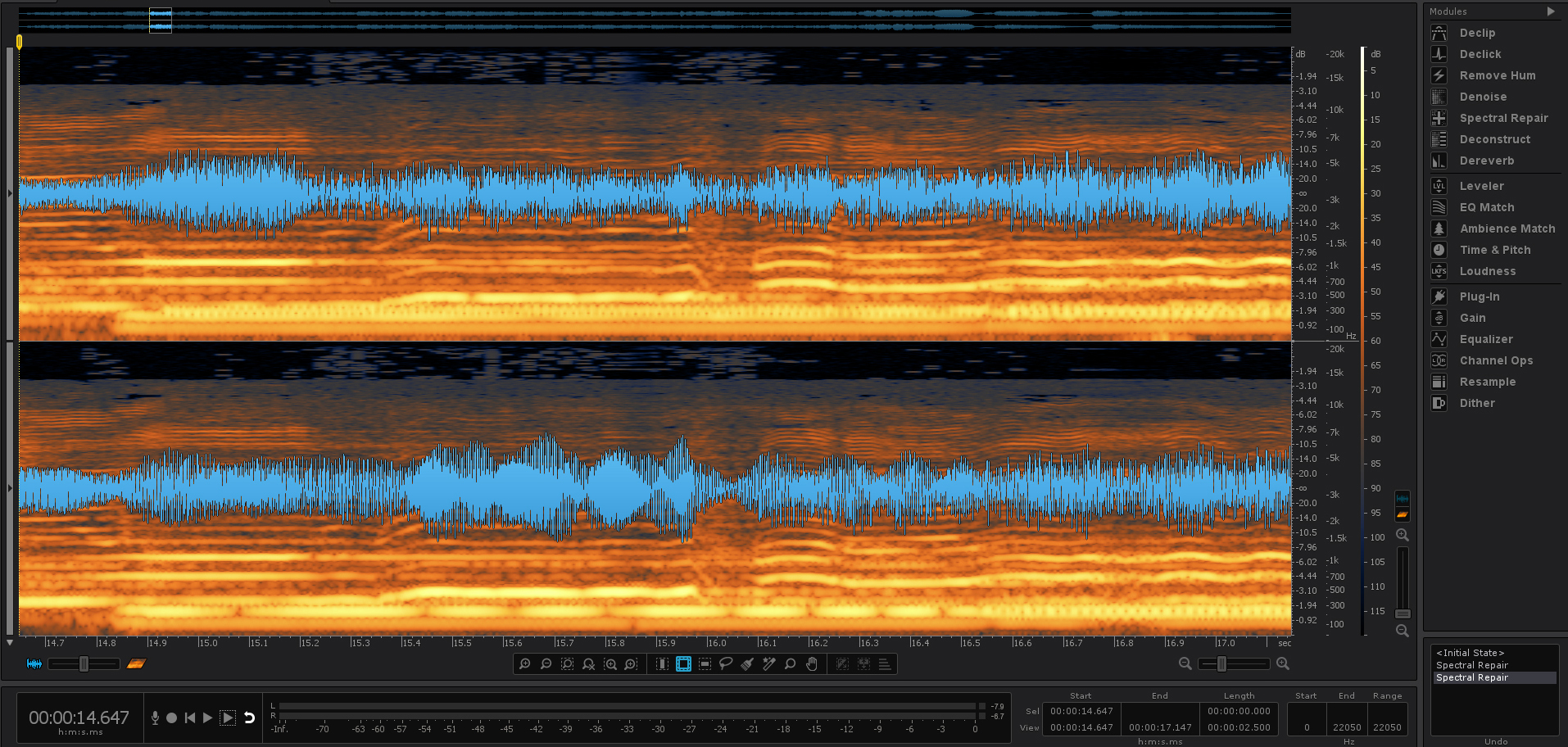
MP3 of After Example
9) This is a before and after example of wind noise being reduced using iZotope's RX 6 Advanced De-wind tool.
This was from an outdoor video shoot on a windy day using the low tech onboard stereo mic of a Canon EOS 70D dSLR. While far from removing all the wind from the narrator's voice, it saved the recording which gives the viewer/listener a more realistic outdoor sound with the low frequency of the wind significantly reduced.